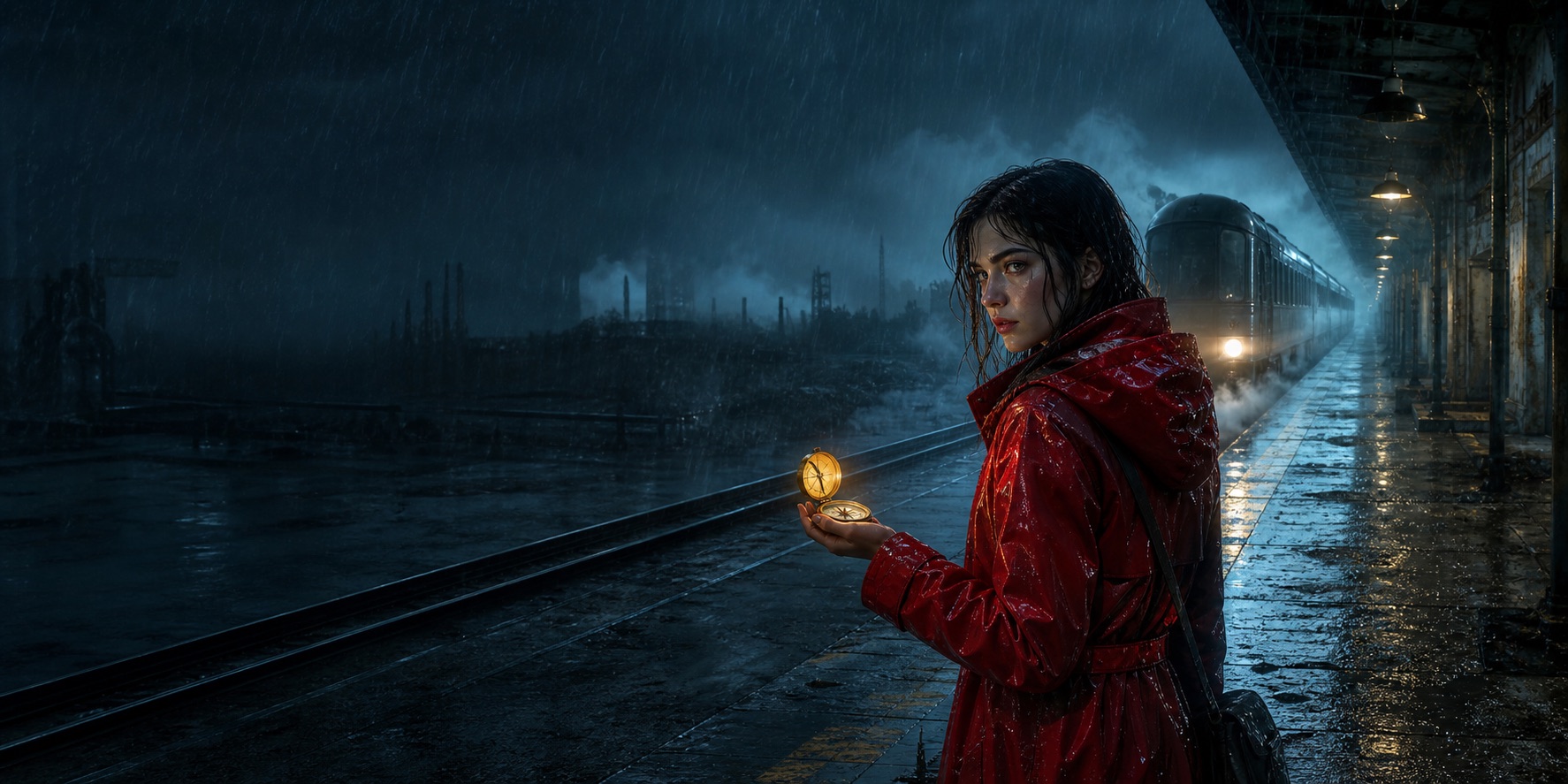
 016.2s
STORYTOSHOT / FROM WORDS TO WORLDS
01 THE SOURCE
A story is more than a prompt.
Bring in a scene, a script, or an unfinished thought. Keep the original words in view while the first production choices take shape.
01 / READ THE STORYKEEP SCROLLING TO MOVE THE STORY ↓
01 / THE PRODUCT
The shot plan is the product. Images support the decisions.
AI creators do not need a folder of pretty frames. They need a structured plan that tells every model, collaborator, and render what happens next.
- Action, dialogue, framing, movement, and timing stay editable.
- Character and location rules travel with every shot.
- Generate only the frames that unblock a real decision.
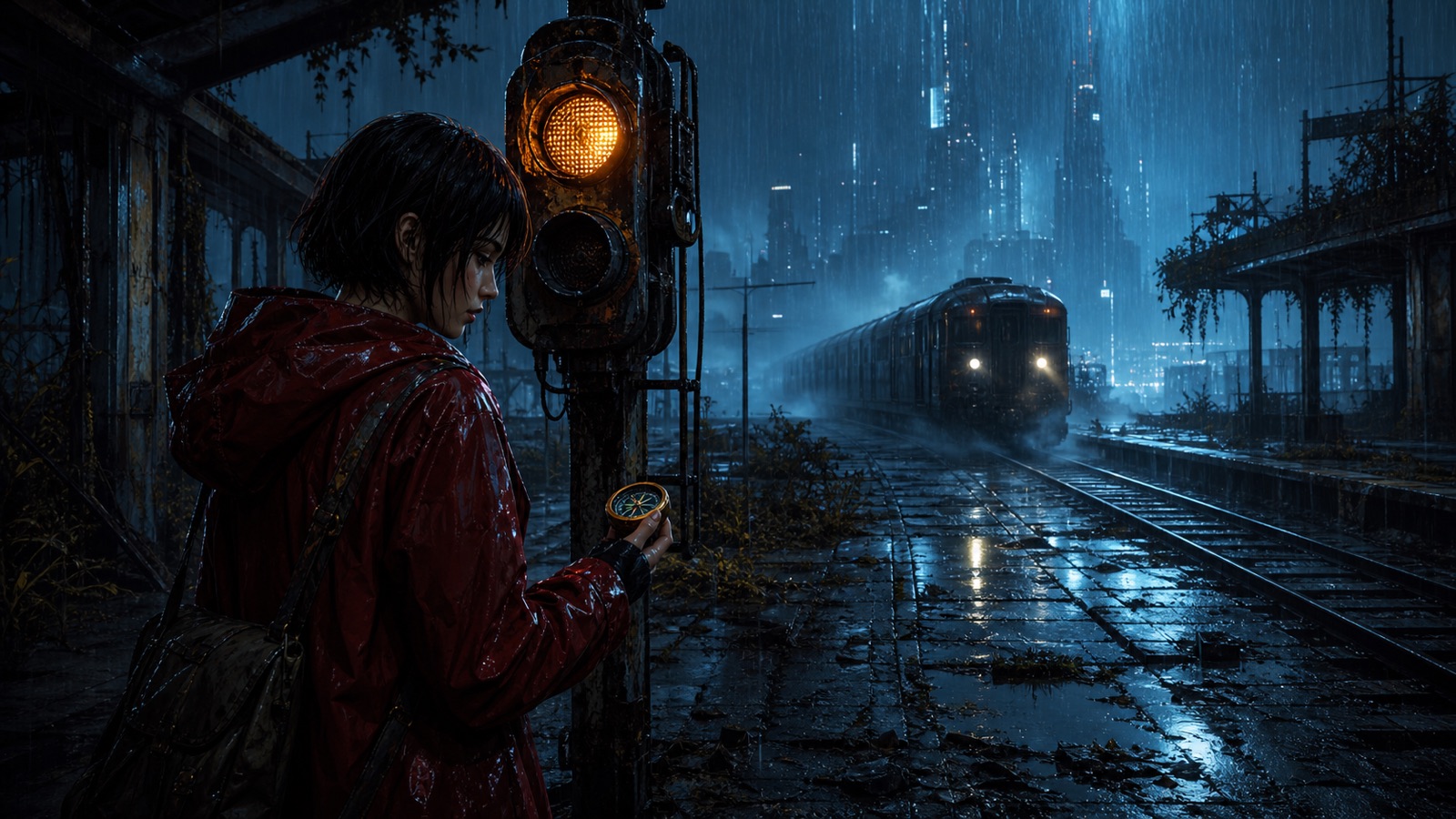
016.2s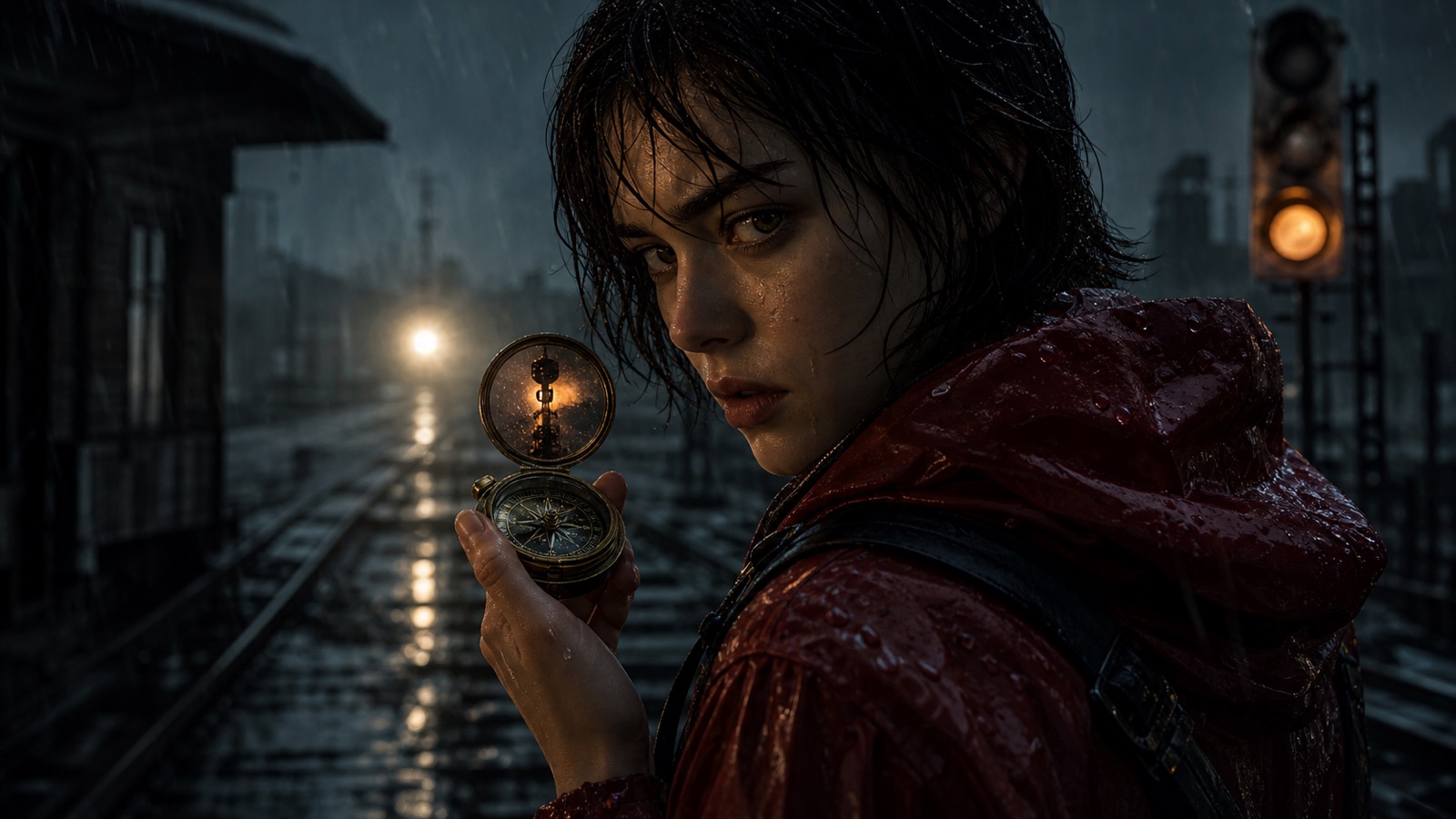 024.6s
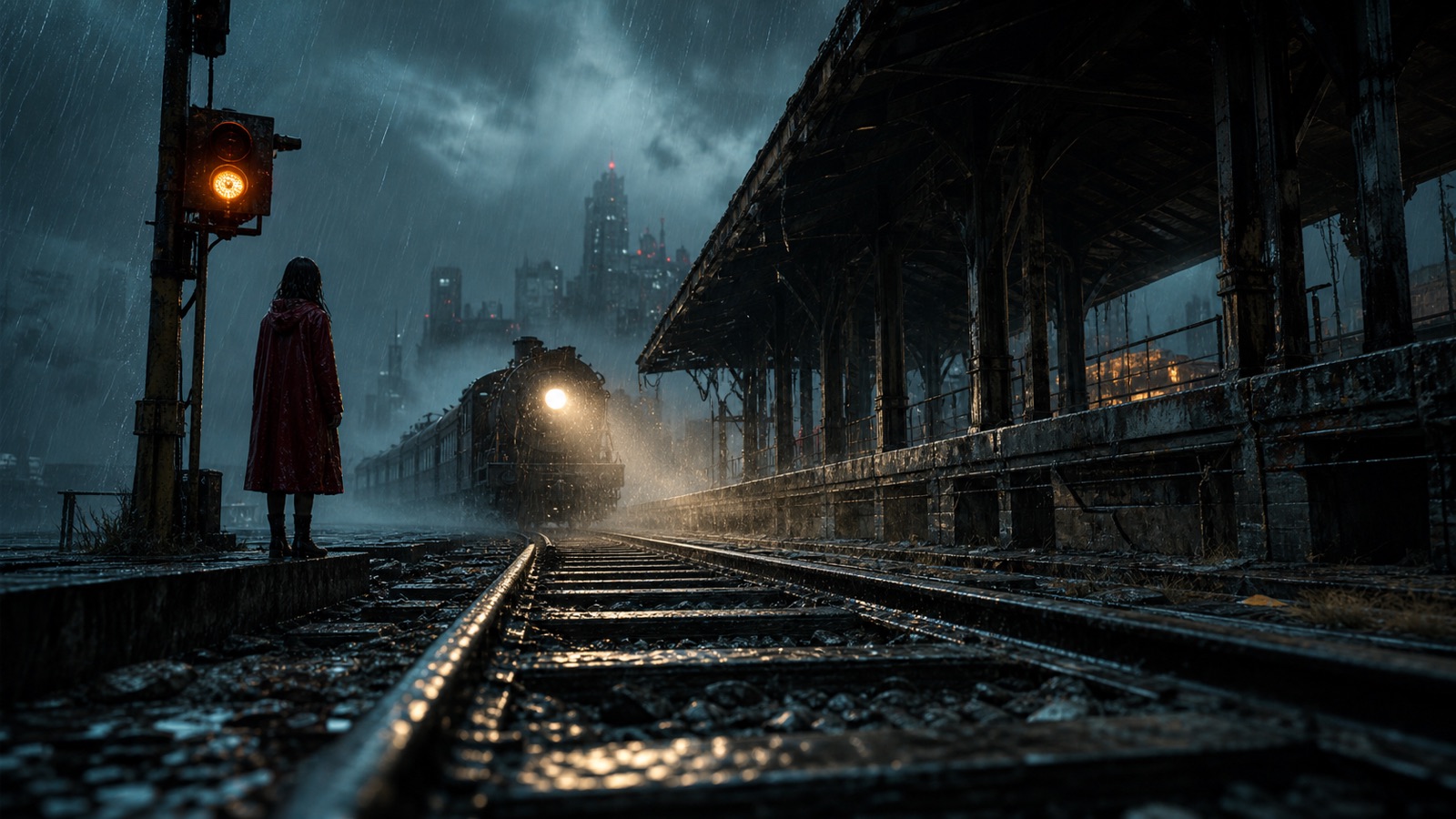 037.8s
SHOTSHOT TITLEVIDEO PROMPTTIMESTATUS
SCENE 01Abandoned platform / night rain
01
The signal wakesVIDEO PROMPTBegin on the rain-soaked signal as the approaching light grows through the mist.
6.2SECLocked02
A familiar markVIDEO PROMPTPush slowly toward Mara while the amber signal reflects inside the open compass.
4.6SECReview02 / COMPLETE PRE-PRODUCTION LOGIC
More than a storyboard image generator.
Every production decision stays connected from the first story beat to the final handoff.
01
Story understanding
Identify characters, dramatic beats, conflict, emotional turns, and the events that deserve screen time.
02
Structured shot breakdown
Create editable shot fields for action, dialogue, framing, movement, composition, and scene context.
03
Pacing before rendering
Estimate shot count and duration, then inspect the sequence as one continuous rhythm instead of isolated frames.
04
Continuity-ready assets
Keep character, location, wardrobe, and prop rules attached to the shots that depend on them.
05
Model-ready prompts
Compile image direction and video motion prompts from the same approved shot plan, without rebuilding context.
06
Clean production handoff
Send the sequence, asset rules, and prompts forward as a connected package instead of loose documents.
03 / WORKFLOW
From raw story to a plan the next tool can understand.
Every stage stays visible and editable. You choose when AI proposes, when you revise, and when a decision is ready to lock.
01
Bring the story
Paste a scene, script, outline, or novel chapter. Keep the source beside the plan.
02
Shape the sequence
Break it into beats and editable shots with action, dialogue, duration, framing, and movement.
03
Lock continuity
Define the characters, locations, props, and visual rules that must survive every generation.
04
Hand off production
Compile image and video prompts, then export a clean package for yourself, a team, or an outside studio.
04 / SAMPLE OUTPUT
One story becomes a production package.
Explore the information that stays connected inside a StoryToShot project. The visual frame is one part of the handoff, not the whole result.
The Last PlatformEPISODE 01
SYNCED / JUST NOWSHOTFRAMEDIRECTIONCAMERATIME
001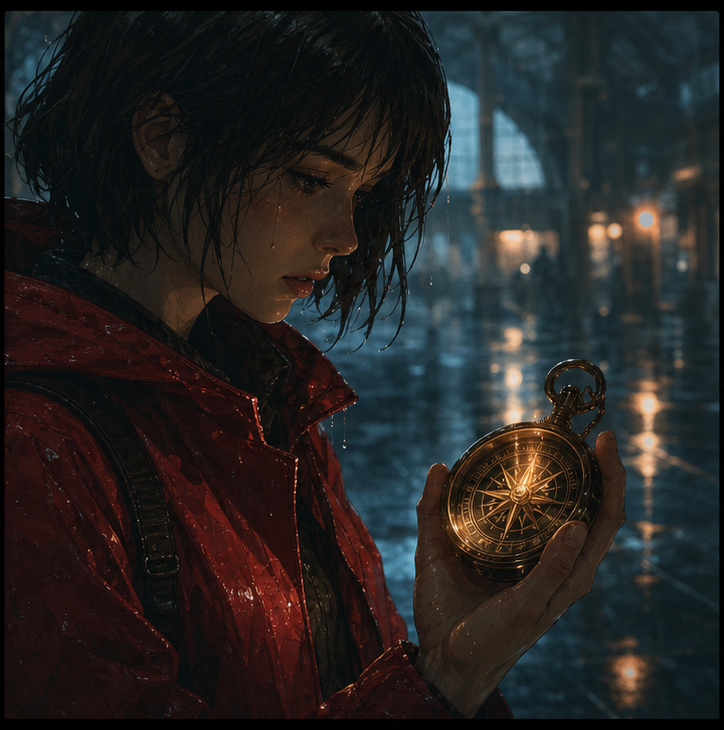
The clock that stoppedAction and dialogue remain editable
Wide / slow push3.2s002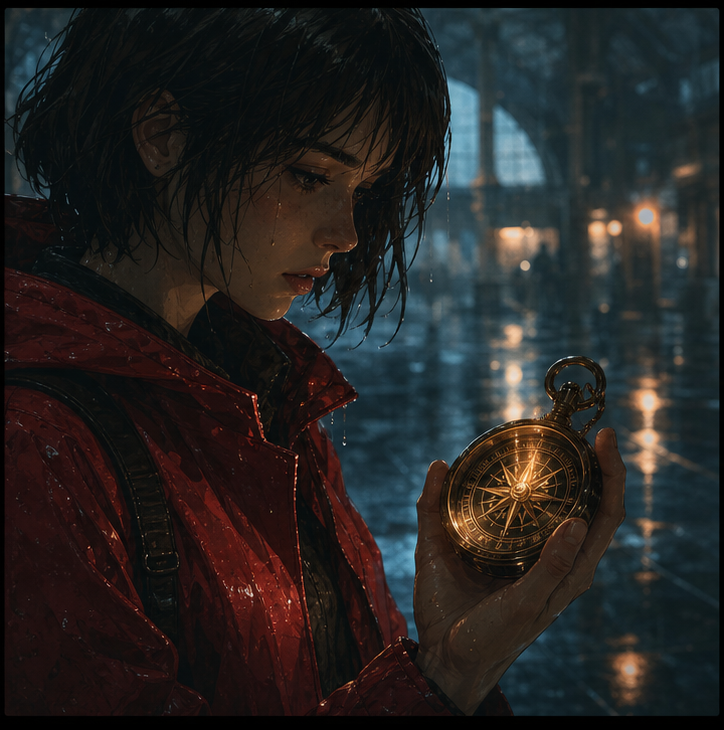
A familiar markAction and dialogue remain editable
Insert / locked2.4s003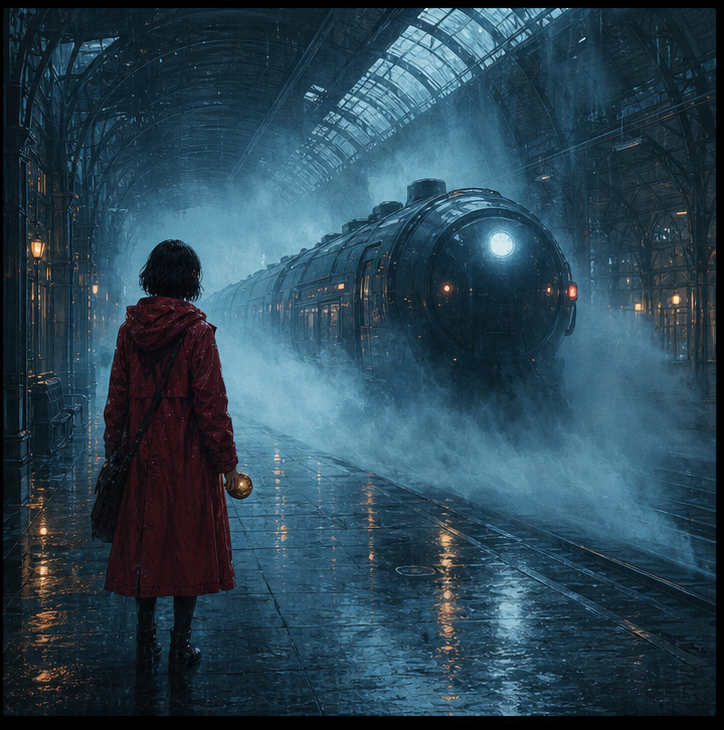
Headlight in the mistAction and dialogue remain editable
Low angle / track3.0s05 / BUILT FOR AI-FIRST STORIES
One planning language, across the whole production.
CONTINUITY
Keep serialized worlds consistent
Turn prose into repeatable shot language while protecting character, wardrobe, location, and prop details.
PACING
Find the rhythm before rendering
Estimate shot count and runtime early, then revise pacing while changes are still cheap.
HANDOFF
Build a brief you can actually use
Move from an idea to a production-ready plan without maintaining disconnected documents and prompts.
06 / WHY A WORKSPACE
Why not just paste the story into a general AI chat?
A chat can draft text. A production workspace keeps decisions connected while the story changes.
GENERAL AI CHATSTORYTOSHOT
A one-off answer that is hard to maintain
A persistent, editable shot sequence
Characters and props repeated inside prompts
Reusable asset rules linked to every shot
No sequence-level timing overview
A continuity rail for duration and pacing
Prompt fragments spread across messages
Image and video prompts compiled from one plan
Manual formatting before handoff
Structured exports for the next production step
07 / LEARN
Practical guides for better production decisions.
Learn how to break stories into shots, protect visual continuity, and plan pacing before generation becomes expensive.
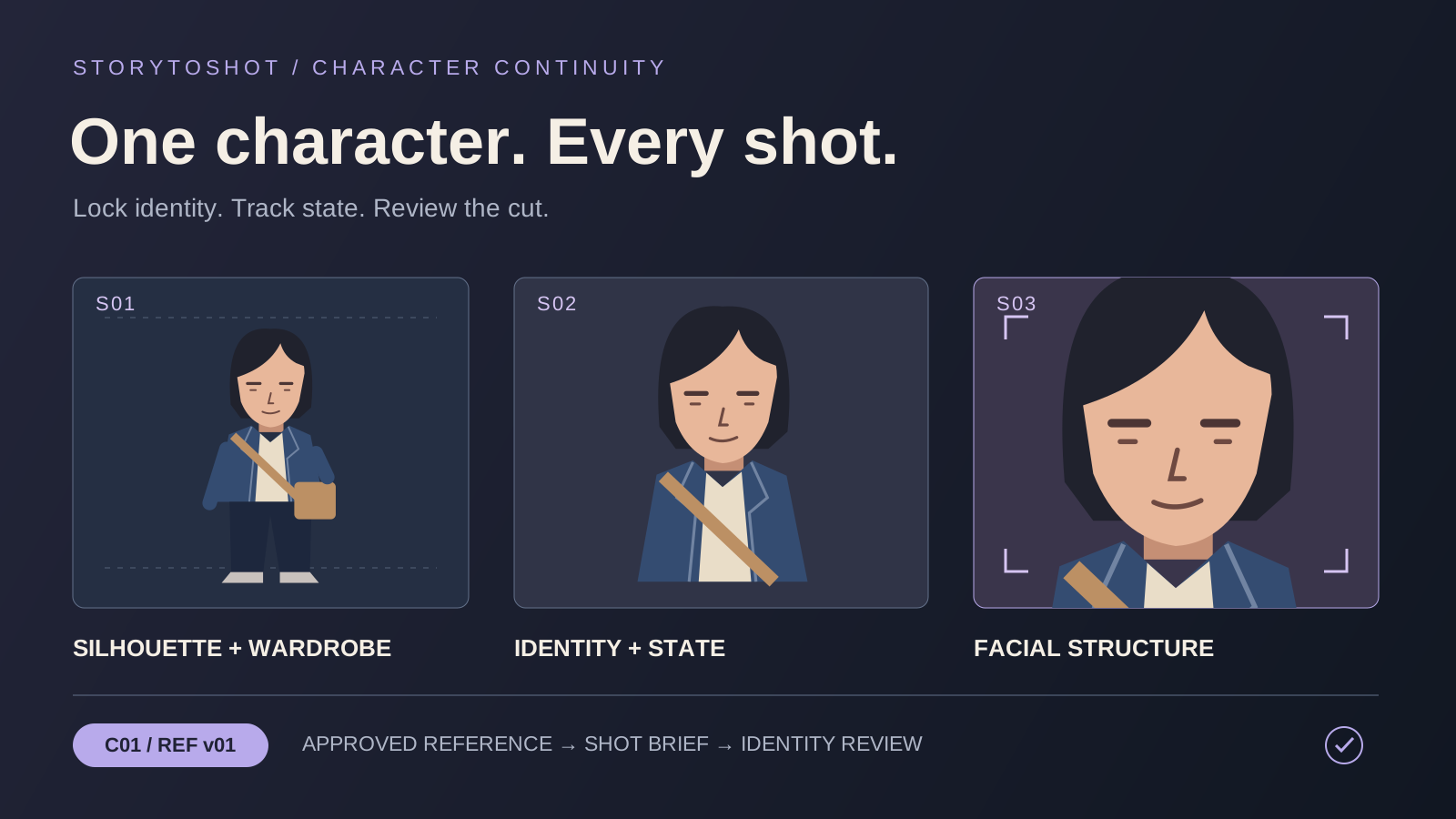 FEATURED GUIDE
Keep the same AI character across shot sizes with an identity reference sheet
Follow a courier through three shots to separate identity from changing state, build a minimal reference sheet, review each shot size, and choose a focused repair.
Read tutorial02
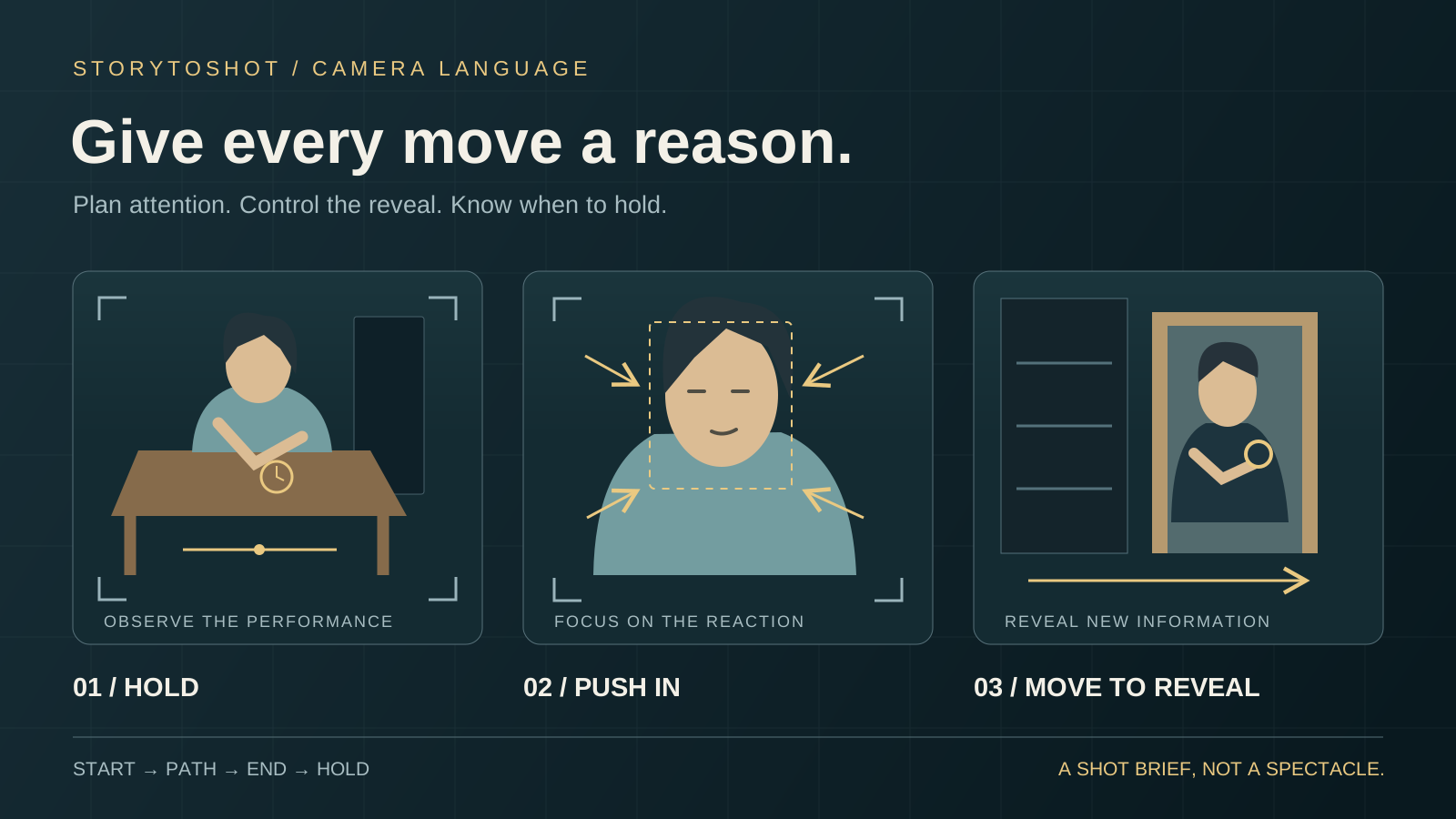
Camera language · 11 min read
Choose AI camera moves by what the viewer needs to see
Use a watchmaker’s encounter to compare locked shots, push-ins and lateral reveals, write a usable camera brief, and decide when a cut serves the story better.
03
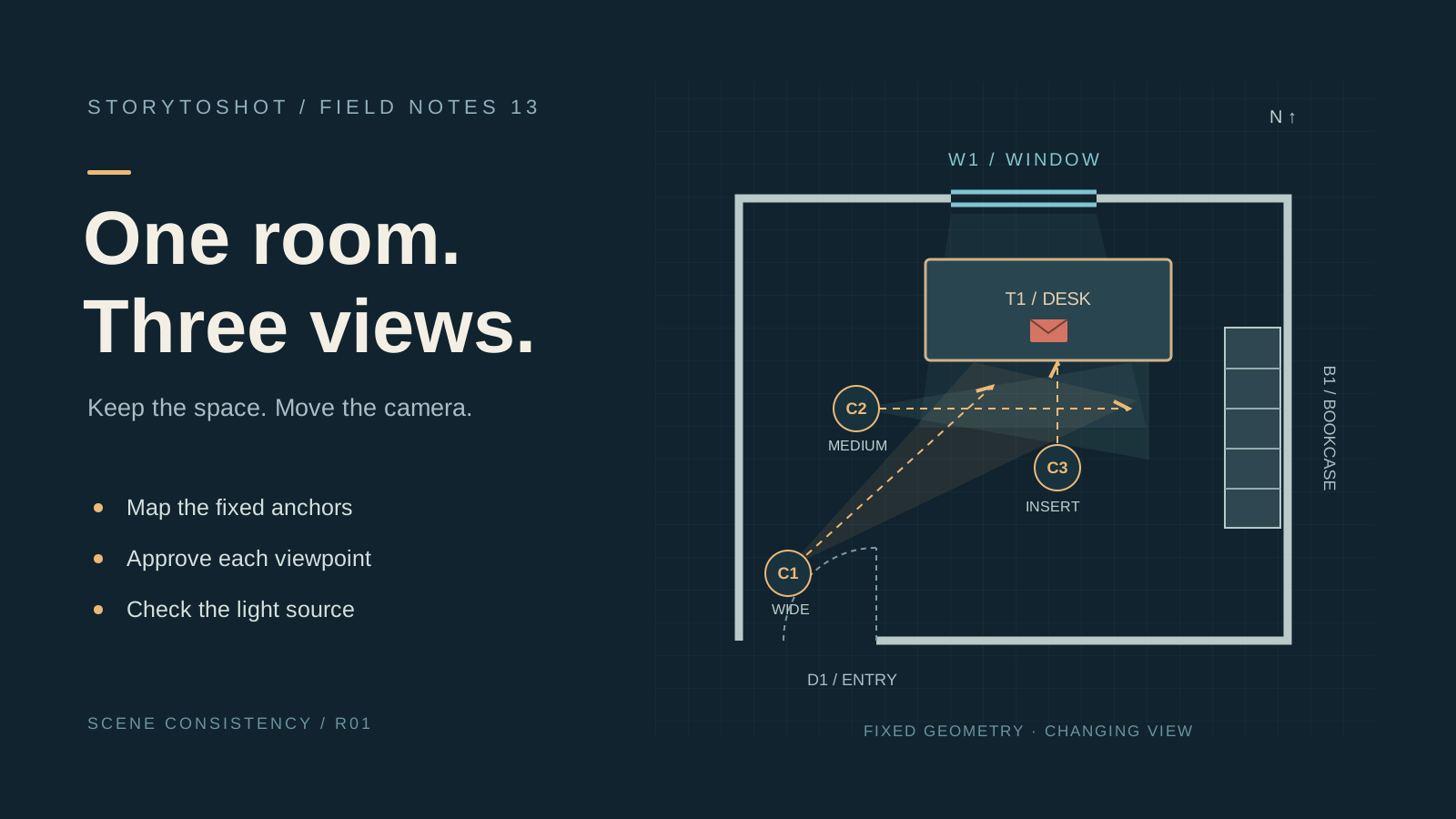
Scene consistency · 11 min read
Keep AI scenes in the same room: plan the space before changing the camera
Use a three-shot letter-retrieval scene to build a room map, separate fixed geometry from camera choices, and catch background drift before video generation.
04
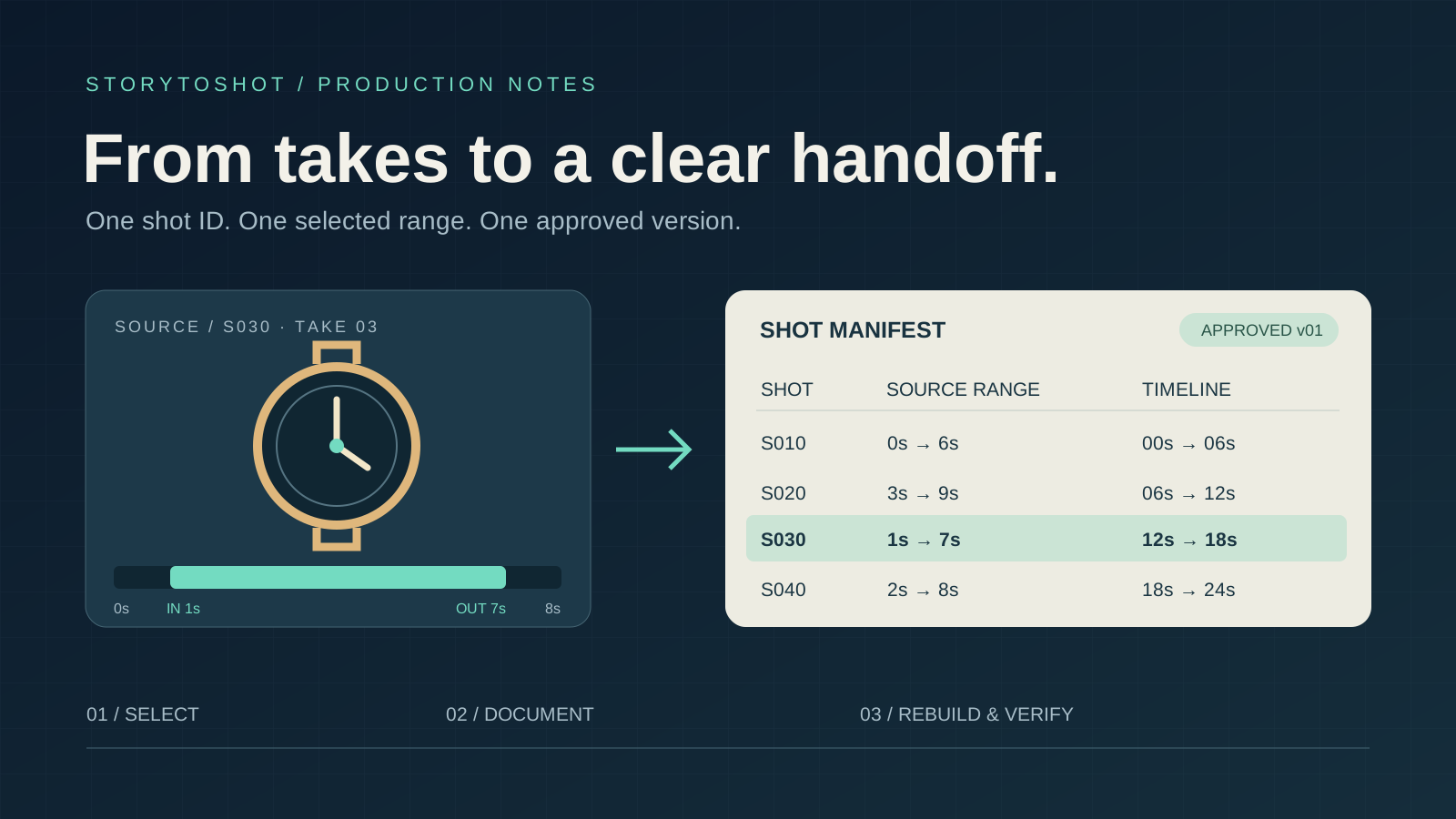
Editing and delivery · 11 min read
Hand AI video to an editor with a reproducible shot manifest
Build a handoff for a twenty-four-second watch-repair film with stable shot IDs, selected ranges, usable handles and version checks so an editor can reproduce your approved cut.
A growing production libraryNew tutorials can be published from one structured content source, with English and Chinese versions kept together.
08 / FAQ
Questions before the first shot.
StoryToShot is built around a simple idea: make production decisions visible while they are still inexpensive to change.
Open the production workspace01What is an AI storyboard generator?+
An AI storyboard generator turns a story, script, or concept into a visual production plan. StoryToShot focuses first on the editable shot logic: what happens, how it is framed, how long it lasts, what assets it needs, and which prompts move it into image or video generation.
02Is StoryToShot built for AI video production or live filming?+
The workflow is designed for AI-first motion comics, short drama, and video production, while the structured shot list is also useful for traditional pre-production and external creative teams.
03Do I need to generate an image for every shot?+
No. The written shot plan remains useful on its own. You can generate key frames only where visual confirmation helps with composition, continuity, pacing, or a production handoff.
04How does StoryToShot help with character consistency?+
Characters, locations, props, and locked visual traits live in an asset bible and stay linked to the relevant shots. This gives later image and video prompts a consistent source of truth.
05Can I edit the generated storyboard?+
Yes. Shot order, action, dialogue, timing, framing, movement, asset links, and prompts are designed to stay editable throughout the planning workflow.
06What can I export from StoryToShot?+
The production workspace prepares storyboard-formatted CSV files, printable PDF storyboards, structured JSON data, and ZIP production packages. Free accounts can export CSV; paid plans unlock every export format.
YOUR NEXT SCENE STARTS HERE
Build your storyboard