A video prompt is a shot brief, not a list of adjectives
“Cinematic, beautiful, dramatic” may suggest a mood, but it leaves the main production decisions open. The model still has to guess who moves, what changes, where the camera goes and when the shot ends. A useful prompt gives the model an observable event and a clear direction through time. It cannot guarantee a perfect result, but it makes the intended result easier to generate, review and revise.
Motion makes video prompting different from image prompting
An image prompt can describe one finished composition. A video prompt must connect a starting state to an ending state: the subject's action, its order and pace, camera movement, and changes in the environment. “A woman stands by a window” describes a frame. “She hears a knock, turns toward the door, then steps out of the window light as the camera slowly follows” describes a shot. That sequence gives motion a cause and prevents the clip from becoming a collection of attractive but unrelated moments.
Specific direction reduces costly ambiguity
When a prompt leaves the action or framing vague, several different outputs may all seem plausible to the model while only one serves the story. State the subject, visible action, setting, shot size and one purposeful camera move. If sound matters, specify the dialogue or sound cue and where it belongs. This narrows the range of acceptable takes and gives you concrete reasons to keep or reject a result. A longer prompt is not automatically better; extra details that compete with the main action can make direction less clear.
A weak prompt and a workable prompt
Weak: “A cinematic detective in a rainy city, suspenseful.” Workable: “Six-second medium shot at a rainy bus stop at night. The detective notices a red envelope under the bench, crouches and picks it up. The camera makes one slow push-in as she reads the name; her expression changes from curiosity to alarm. Keep her dark coat and the envelope visible throughout. Rain and distant traffic are audible; no dialogue.” The second version defines the event, duration, framing, camera, continuity anchors and sound. Adapt the amount of detail to the model and input mode you actually use.
Reference images and prompts have different jobs
In image-to-video work, the input frame already carries appearance, composition and some lighting. Repeating every visible detail wastes space and can create conflicting instructions. Use the prompt to direct the movement that the still image cannot express: which person acts, what stays fixed, how the camera moves and what the last moment should show. If character identity or a prop must remain stable, name those as continuity requirements. Where the tool supports first and last frames, treat them as visual constraints and use text to explain the path between them.
Continuity starts before the next generation
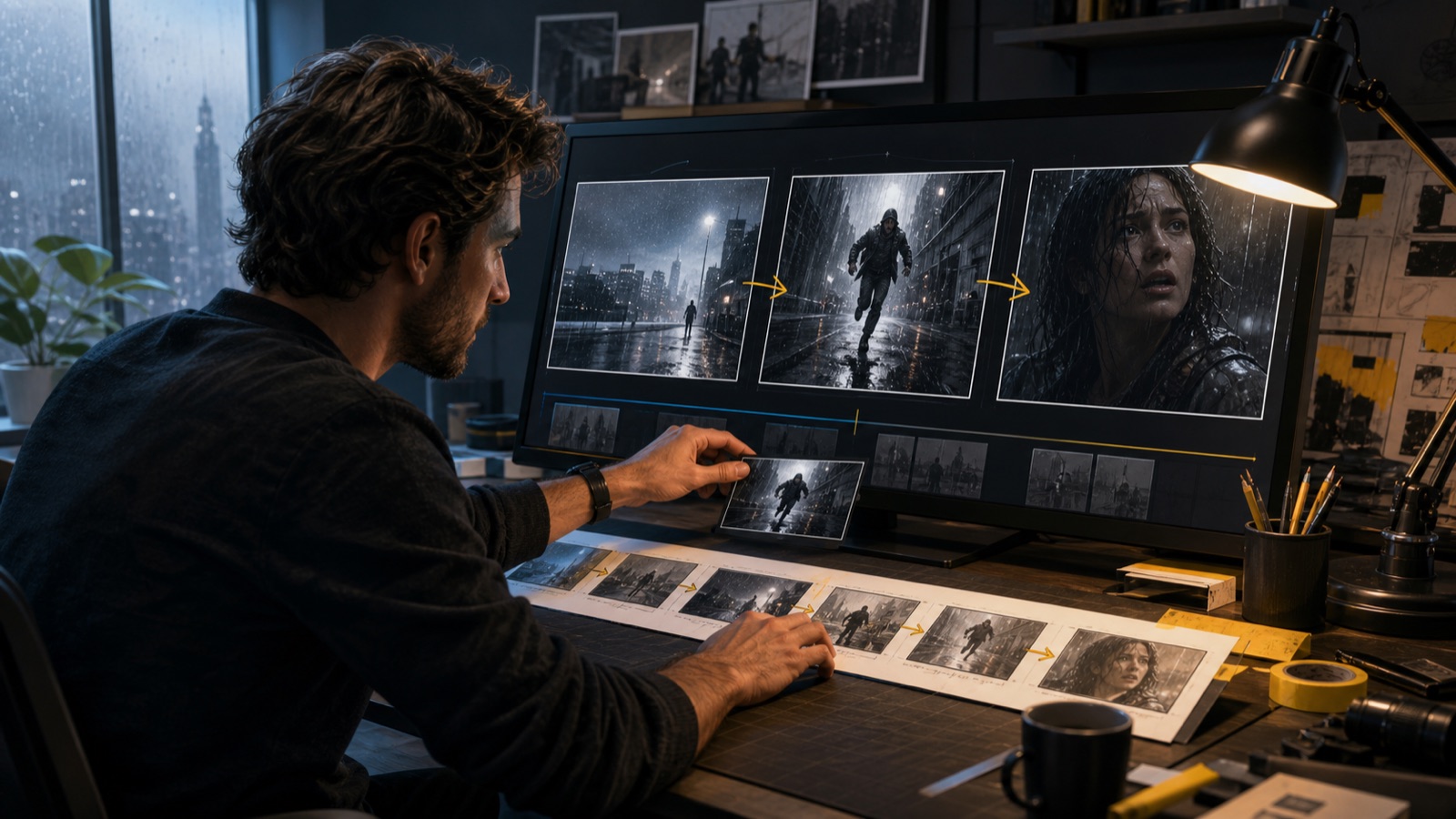
A single strong clip does not make a coherent sequence. Across shots, reuse the same character and location references, wardrobe anchors, prop names and screen direction. Then add only the action that changes in the current shot. This separates permanent identity from temporary performance and makes an accidental costume change or reversed movement easier to spot. Text alone may not hold a character perfectly; references, consistent shot records and review still matter.
Revise one decision at a time
If a take fails, first diagnose what failed: subject identity, action order, camera path, timing or sound. Keep the working parts of the prompt and reference assets, then change one major instruction and generate again. For example, if the action is right but the camera drifts, simplify the camera line rather than rewriting the character and scene. Record the prompt, model, settings and result for each attempt. This turns retries into a small experiment instead of paying repeatedly for guesses.
Build each prompt from an approved shot plan
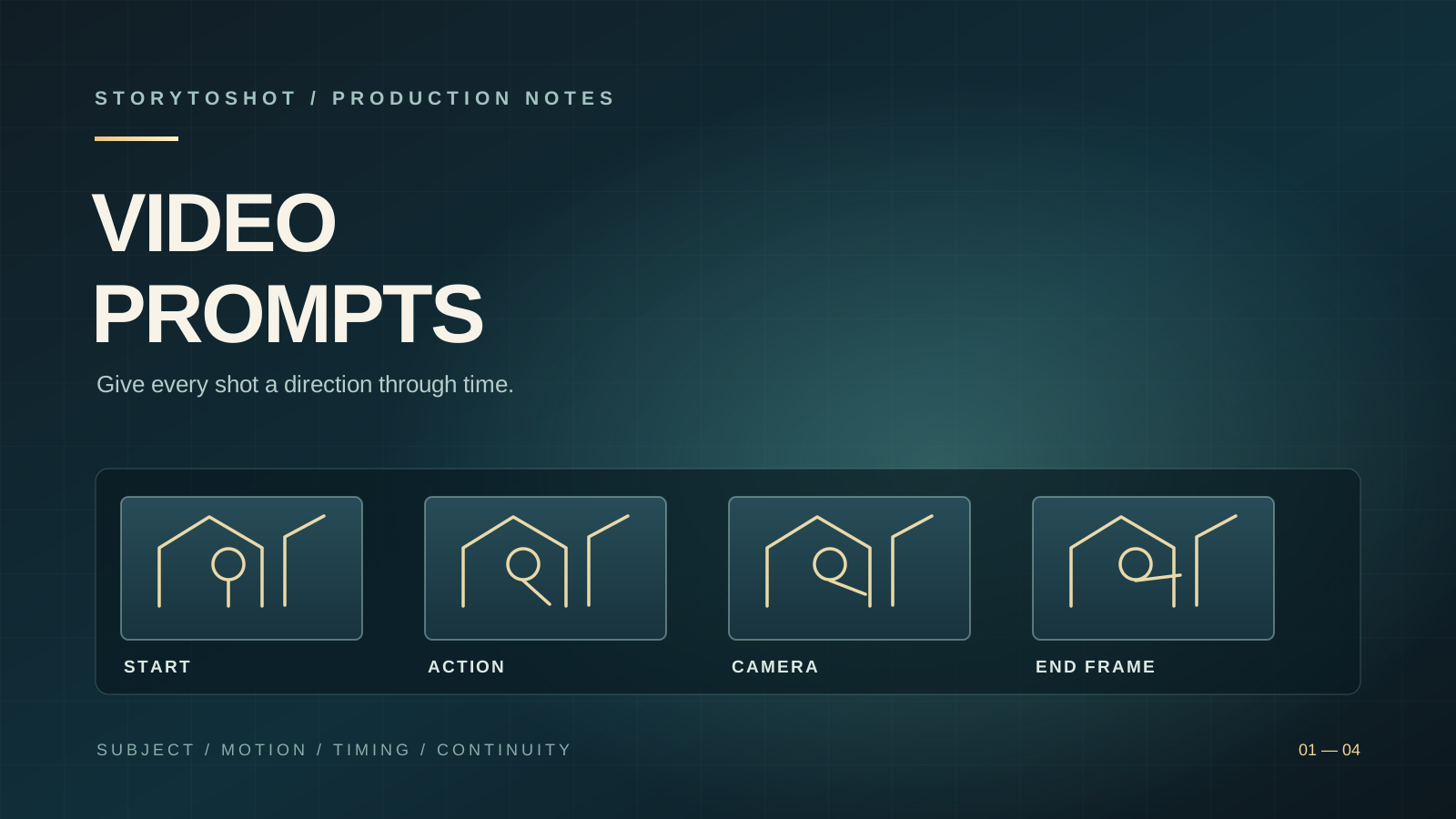
A practical template is: duration and framing → subject and location → starting state → action in order → camera movement → ending state → sound and continuity requirements. Fill only the fields that affect this shot. Before generating, ask whether the clip has one primary job and whether its final state connects to the next shot. In StoryToShot, keep the shot's action, timing, assets and prompt together so changes to the story can be reflected in the video direction before you spend another render.