Define the adaptation before splitting the prose
Decide the target format, aspect ratio, runtime, audience, production method, and the dramatic promise of this episode. A vertical 45-second hook, a two-minute motion-comic scene, and a proof-of-concept trailer need different structures. Write the boundary in one sentence so every later decision can be tested against the same outcome.
Extract what can affect a shot
Separate the main event, character goals, relationships, visible actions, locations, time changes, emotional turns, dialogue, narration, and important props. Do not attempt to visualize every sentence. Internal explanation may become narration, a reaction, a symbolic insert, or nothing at all if the audience can infer it from action. This extraction creates the factual layer that the storyboard must preserve.
Divide scenes by state change, not paragraph breaks
A scene unit should have a stable place and time, a dominant dramatic question, and a meaningful state change by the end. Mark where a new location is established, control shifts between characters, new information changes a decision, or the emotional direction reverses. Working scene by scene prevents the storyboard from becoming a long flat list of disconnected images.
Map beats before writing individual shots
Summarize each beat as setup, pressure, choice, consequence, or transition. Give the beat a rough duration and note the information the audience must carry forward. This middle layer is useful because scenes are too broad for production, while shots are too detailed for structural review. Beats let you fix missing escalation or a weak ending before the shot count grows.
Turn beats into executable shots
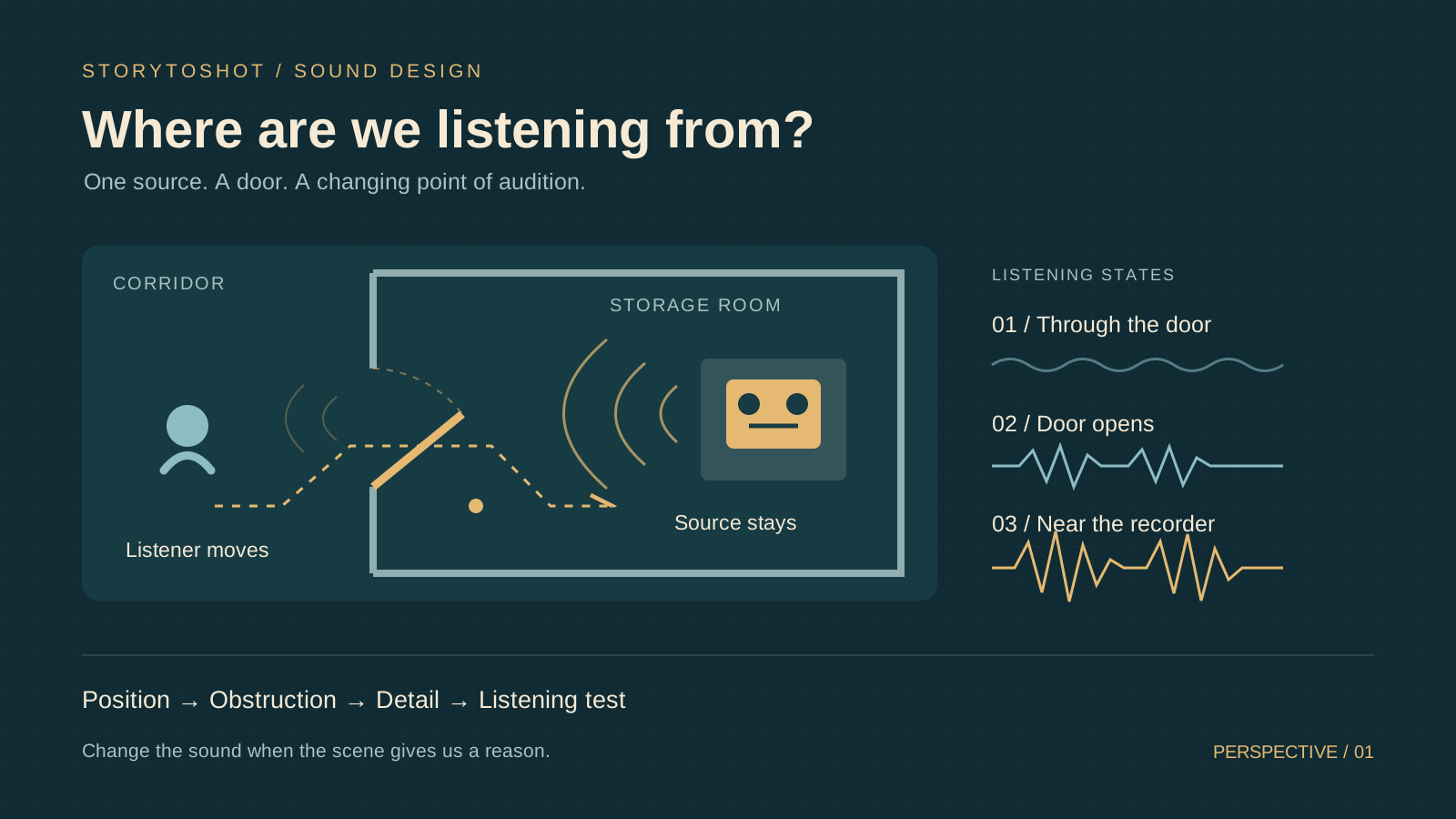
For every shot, define a title, purpose, visible action, dialogue or narration, duration, framing, angle, movement, and transition context. Describe only what can be seen or heard. Replace literary phrases such as overwhelming loneliness with observable evidence: distance in the composition, an unanswered gesture, an empty foreground, or a held reaction. Another creator should be able to stage the shot without guessing.
Build the continuity bible beside the shot list
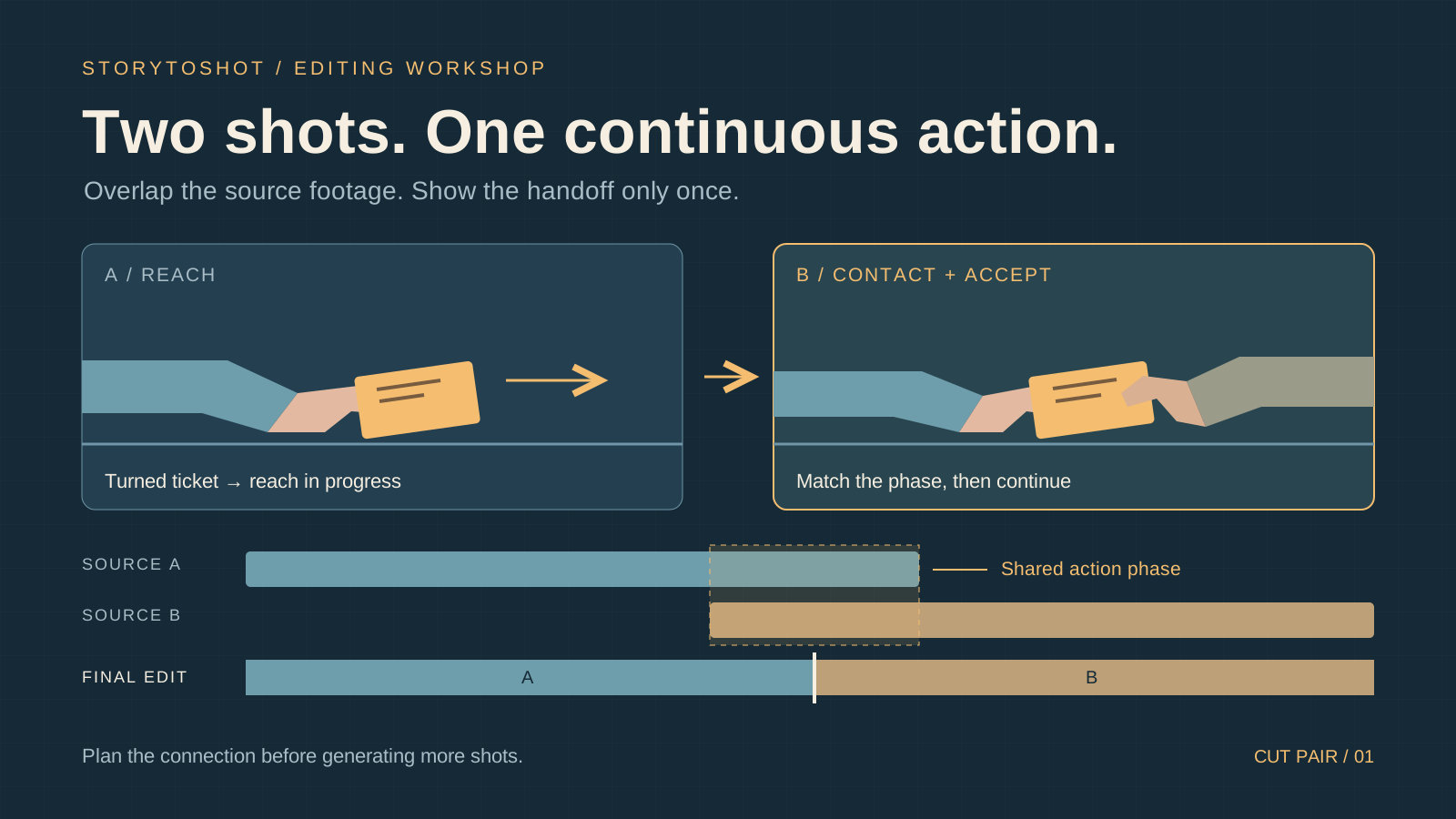
Create reusable records for characters, locations, and story-critical props. Keep permanent identity rules separate from shot-specific performance. A character asset owns age, facial structure, silhouette, wardrobe anchors, and forbidden changes; the shot owns pose, emotion, gaze, and temporary condition. Confirm neutral reference images only when they reduce uncertainty across multiple shots.
Compile image and video prompts from approved decisions
An image prompt should combine the approved asset rules with the selected shot's composition, lighting, visible action, and exclusions. A video prompt should emphasize temporal behavior: starting state, motion path, camera movement, environmental motion, and ending state. Generate prompts from the same shot record so text, frame, and motion do not drift into three competing interpretations.
Generate selectively and review the sequence
Do not render every possible frame simply because the model can. Generate establishing frames, identity-critical appearances, complex spatial moments, and shots where the team needs a visual decision. Review the results on the continuity rail, not only at full size. A beautiful frame that breaks direction, pacing, or character continuity still needs revision.
Export one connected production package
The final handoff should keep the shot list, durations, dialogue, action, prompts, continuity rules, and approved images connected by stable shot and asset names. Export structured data for tools, a readable review document for people, and original media when needed. The workflow is complete only when the next creator can continue production without reconstructing context from scattered chat messages.