Choose by shot, not by a universal ranking
The major options do not solve exactly the same production problem. A dialogue shot needs usable sound and stable faces; an action insert needs coherent motion; a branded sequence may need reference images and controlled revisions. Treat the model names below as a practical shortlist, not a performance ranking. Features, access, limits, and pricing change quickly, and results also depend on the input image, prompt, and editing workflow.
Google Veo: audio and directed cinematic shots
Google's current Veo page presents Veo 3.1 with native audio, reference material, character consistency, first and last frame control, camera controls, and clip extension. That makes it a candidate for a shot where speech, sound effects, camera movement, or a planned transition matter. Test the particular scene rather than assuming every generated take will preserve a character or obey every camera instruction.
Runway: motion quality and an editing-oriented workspace
Runway currently highlights Gen-4.5 for motion quality, prompt adherence, and visual fidelity. Its Creative workspace also brings video, image, and audio generation and editing together. It is worth testing when a shot relies on expressive movement or needs several creative revisions in one workspace. Evaluate the generated motion and the edit steps as a whole, because a polished first frame alone says little about the full clip.
Kling: multimodal direction and subject continuity
Kling's official site currently presents its 3.0 family and Video 3.0 Omni, emphasizing multimodal instructions, synchronized picture and sound, storyboarding, and subject consistency. It is a useful candidate for recurring characters and scenes that combine visual references with specific action or sound directions. In a series, test the same character across several shots; one successful clip does not prove sequence-wide continuity.
Seedance: multi-shot storytelling and style
ByteDance's official Seedance page describes Seedance 1.0 with text-to-video and image-to-video generation, multi-shot storytelling, smooth motion, style expression, and prompt following. Start here when the brief contains a short sequence rather than an isolated visual moment. Check whether subject identity, spatial direction, and action logic survive the cuts; the phrase “multi-shot” is a capability to test, not a guarantee of finished editing.
Wan: a text-to-video and image-to-video option
Wan's official site lists text-to-video and image-to-video among its capabilities. That makes it a sensible additional candidate when you already have a storyboard frame or reference image and want to compare how models animate it. The public page used for this guide does not establish a precise current version, license, or quality ranking, so verify those details for the exact product and access route before production.
Where Sora fits in the shortlist
OpenAI's Sora is another widely discussed video-generation option. Include it in a creative test if it is available to your team, especially for a concept or narrative shot. In this guide we do not assign it a version-specific advantage: access and capabilities should be checked in the product you can actually use. Apply the same criteria—motion, continuity, sound, revision control, and cost—to Sora as to every other candidate.
Firefly is a workspace, not a single competing model
Adobe Firefly supports generating, editing, and extending video, and its video workspace lists several partner models, including Veo, Luma Ray3, Kling, and Runway. This matters when comparing services: the interface where you create a clip and the underlying model that creates it are different choices. Record both names in your production notes, along with the date and settings, so an apparently better result can be reproduced.
A fair test uses the same three shots
Prepare one dialogue close-up, one action shot with a clear cause and effect, and one transition between two storyboard frames. Give each model the same subject description, aspect ratio, reference image, and creative goal where supported. Compare complete clips for identity, motion, lip and sound alignment, camera intent, unwanted artifacts, revision effort, elapsed time, and total cost. Note which conditions were unavailable in a model rather than treating unmatched settings as a head-to-head score.
Plan the story before spending on generations
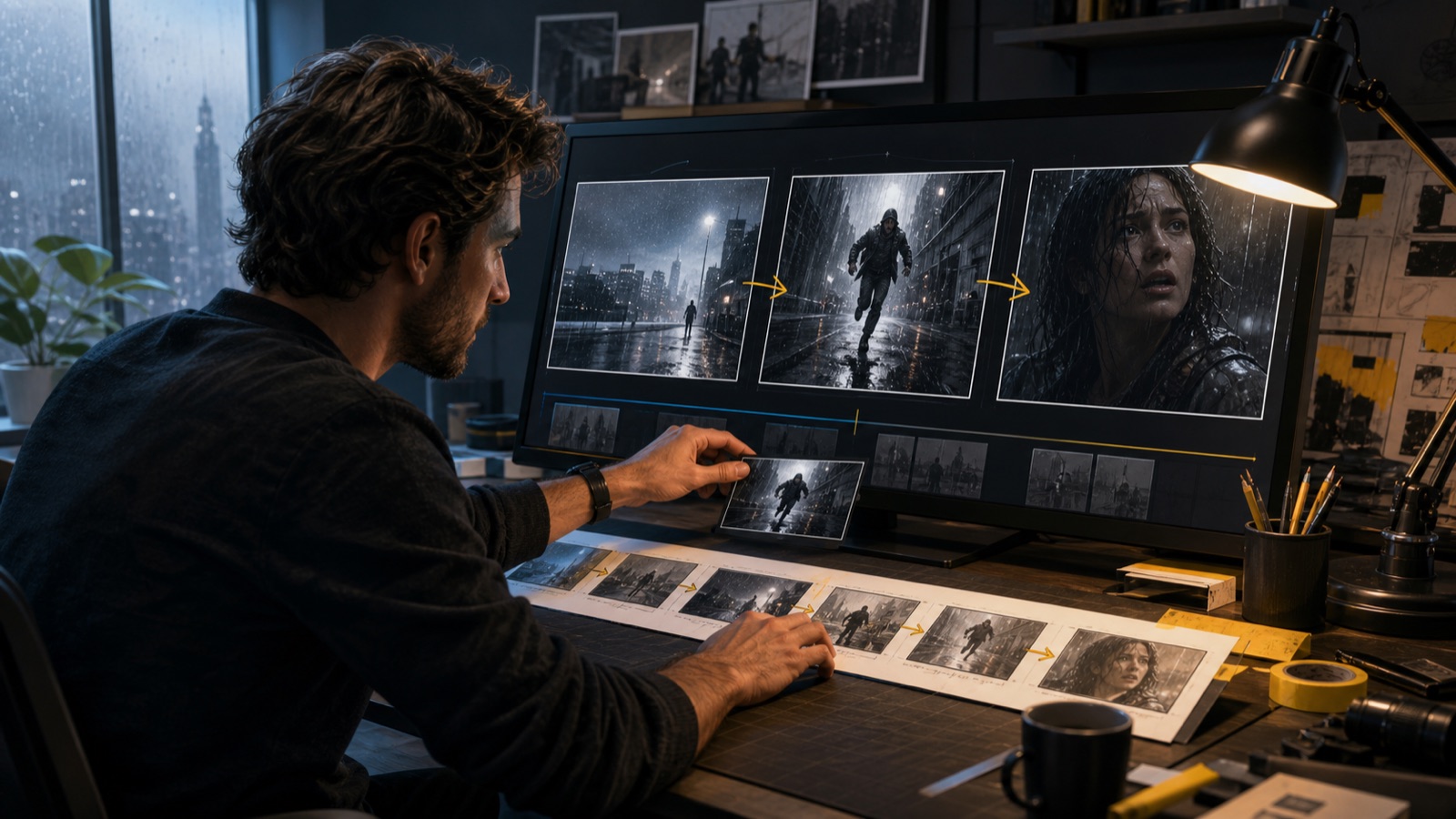
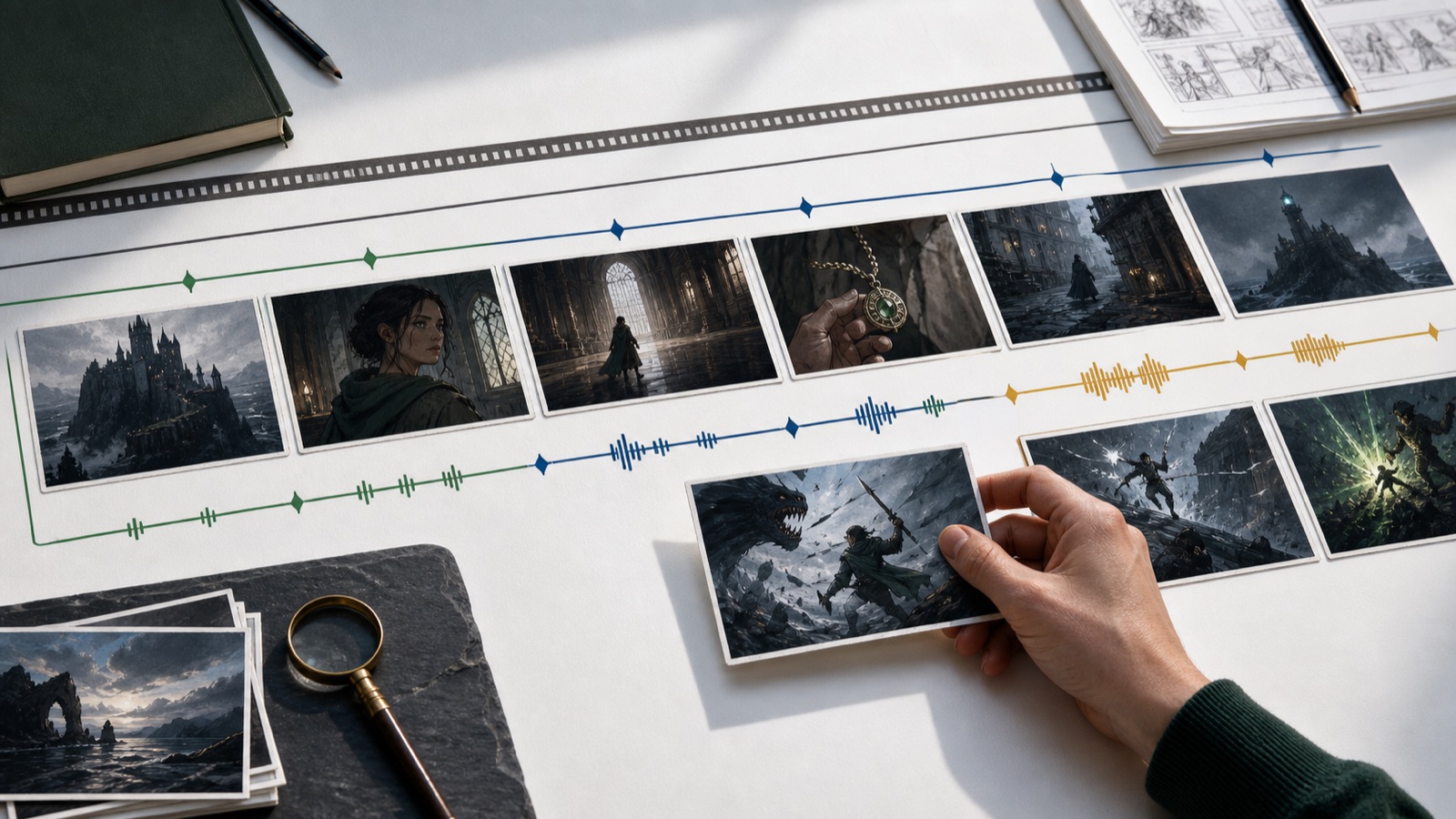
A practical workflow is story → editable shot plan → recurring characters and locations → key frames → video tests → edit. In StoryToShot, first define each shot's visible action, duration, framing, movement, and continuity requirements. Then choose the video model that suits that shot and carry the same reference assets and intent into its prompt. This keeps model selection tied to the story and lets you spot expensive gaps while they are still cheap to change.